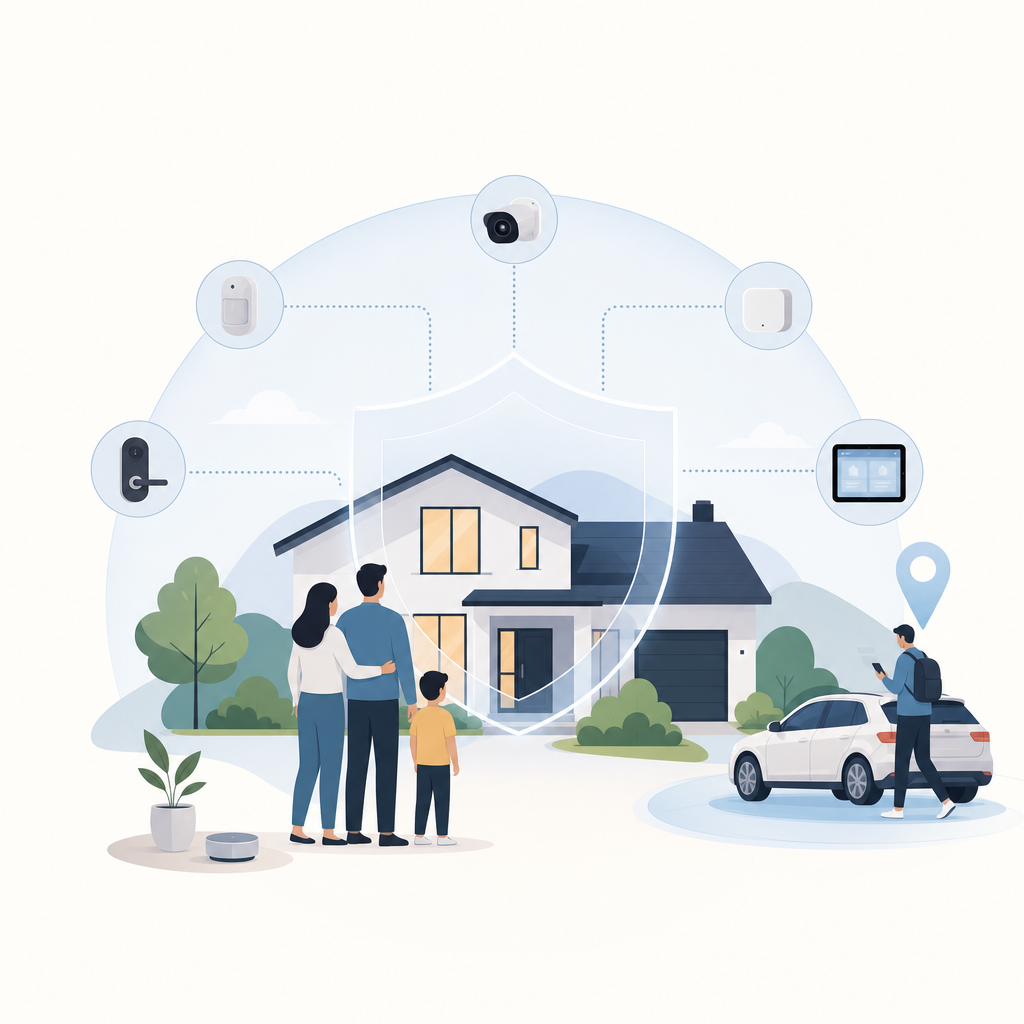
Short answer: How to keep your family safe online starts with a few decisions made before there is a crisis: secure the main accounts, agree on location and device rules, teach kids what to report, and choose tools that support the plan instead of replacing it. Everyone should know what is monitored, why it exists, and when the rules change.
On a normal Tuesday, your 12-year-old is in a group chat after soccer, your teenager is walking home with one headphone in, and a grandparent gets a fake delivery text asking for a card number. Online safety is a household system problem.
How to keep your family safe online without over-monitoring
The practical answer is to combine three layers: clear rules, safer defaults, and consent-first awareness tools. Parents should know enough to act when there is danger, but not so much that every private thought becomes a report. Good digital parenting protects trust as well as devices.
A child who knows how to block a stranger, save evidence, and tell an adult without getting punished is safer than a child who only knows a parent can see everything. The goal is backup, not a permanent investigation.
What does family online safety actually mean?
Family online safety means the habits, settings, and agreed tools that reduce avoidable harm from scams, oversharing, unsafe contacts, account theft, location exposure, and age-inappropriate content. It is not watching every message or removing all risk. It is a home routine that gives people less fear and more backup.
The weak spot is not always social media. Sometimes it is a reused password on a school account or an undefined emergency check-in rule.
What should parents do first this week?
Start with the parts of online safety that are easiest to fix and hardest to argue about: accounts, passwords, device access, and reporting rules.
- Name the critical accounts. List Apple ID, Google Account, school email, payment apps, gaming accounts, and any shared family login.
- Retire reused passwords. Give email, device, and payment accounts unique passwords.
- Turn on extra sign-in protection. Use two-step verification, passkeys, or device approval where available.
- Check app permissions. Review location, camera, microphone, and contacts access.
- Set a location rule. Decide who can see whose location, for what purpose, and when privacy applies.
- Create a no-punishment reporting path. If a child reports a creepy message, scam, threat, or mistake quickly, help first.
- Pick one review time. Revisit the setup monthly or when a new phone, school year, or social app enters the house.
Claim: The best first move is usually account hygiene and shared rules, not the strictest monitoring tool.
Why this matters: Reused passwords, unclear reporting rules, public profiles, and loose app permissions are risks parents can fix immediately.
Limit: This does not catch every risky contact or mental-health concern.
Action: Audit accounts and rules before choosing any family safety apps.
Which family safety apps are useful, and where are the limits?
Family safety apps are useful when they make agreed routines easier: location awareness, arrival alerts, device boundaries, check-ins, and family coordination. They should be used openly and legally, with consent where consent is required. They cannot read encrypted message content, break into private accounts, or bypass platform security.
Frontguard builds family-safety and location-awareness apps such as Find and When, so our bias is clear: software can help. Keep the claim narrow. Find-style tools can support location sharing, check-ins, arrival alerts, and location history. When-style online-status tools can support conversations about messaging habits, but they do not prove what a child is doing or feeling. For a related product comparison, see the family-safety and communication-app guide.
How we checked: On June 3, 2026, we reviewed the U.S. Google Play listing copy for Frontguard's Find: Family Location Tracker and When: Last Seen Online Tracker. Find's listing supports location sharing, location history, circle alerts, and check-ins; When's listing supports online/offline status, notifications, and reporting. Store listings and laws can change, so this article avoids claims about message access, secret tracking, or country-by-country legality.
| Layer | Best use | Check first |
|---|---|---|
| Apple Screen Time or Google Family Link | Age limits, downtime, purchases | Controls vary by platform and child age |
| Frontguard Find | Location sharing, check-ins, arrival alerts | Agree who sees location and when alerts fire |
| Frontguard When | Online/offline patterns for messaging-time discussions | Status is not message content or proof of behavior |
| Conversations and offline adults | Scams, strangers, screenshots, threats | Name the adult to approach |
Secret, total monitoring breaks trust. Narrow, explained monitoring is easier to defend: this alert exists because you walk home alone; this limit exists because sleep is getting wrecked.
How much monitoring is fair for children and teens?
Monitoring should shrink as judgment grows. Younger children need more guardrails because they do not yet understand privacy, scams, or adult manipulation. Teenagers still need backup, but they also need dignity and a say in the safety plan.
A useful test is simple: would you be comfortable explaining the monitoring to the child in plain language? If the answer is no, the setup may be more about parental anxiety than safety. There are exceptions for immediate danger, but secrecy should not become the default.
- Ages 6 to 9: approved devices, limited app access, no public posting, and adult help for unknown messages.
- Ages 10 to 13: shared rules for group chats, gaming platforms, school accounts, photos, codes, and secrets.
- Ages 14 and up: negotiated boundaries: location for safety, fewer content controls, stronger account security, and clear late-night expectations.
Consent and legality are not side issues. Only track accounts, devices, or people where you have lawful authority, and get consent when required. Rules vary by place, relationship, age, device ownership, and context. Do not secretly track an adult partner, another parent, an employee, or an older teen outside a clear legal and family context.
How can parents talk about online risk without making every app a fight?
Use concrete situations, not vague warnings. Children tune out lectures about the internet being dangerous, but they understand a message that asks them to move to a private chat or share a verification code.
Try short scripts: You are not in trouble for showing me. Do not send money, codes, photos, or your location because someone asks fast. If a person wants secrecy from your family, pause. These lines tell the child what to do next, not just what to fear.
Here is a realistic scenario. Your child plays Roblox, then someone asks to continue on Discord and asks what school they attend. That does not make every gaming contact dangerous, but moving platforms, asking personal questions, and pushing secrecy are enough signals to stop, screenshot, block, and tell an adult.
What online safety tips for parents actually work at home?
The tips that work are specific, repeatable, and tied to daily life. A rule like no phones at dinner is easier to enforce than be responsible online.
- Protect sleep first. Charge younger kids phones outside the bedroom and set an end time for group chats.
- Keep family locations limited. Share location inside the agreed family group, not publicly or with casual friends.
- Teach the code rule. Verification codes, passwords, recovery links, and school logins never go to friends or strangers.
- Make screenshots normal. If something feels off, save it before blocking.
- Review new apps before download. Ask who can contact them, what profile is public, and whether location is visible.
Parents have a version of this rule, too. Do not post a child location, school badge, vacation timing, medical detail, or embarrassing story just because the child is too young to object.
What should you do when something goes wrong online?
Act in order: protect the child, preserve evidence, block contact, report through the platform, and involve the right offline adult when the risk is serious. Do not start by shaming the child for clicking, replying, or hiding the problem.
- Pause the conversation. Stop replying, even if the other person is pressuring them.
- Save context. Keep screenshots, usernames, profile links, dates, and any payment or contact details.
- Block and report. Use the platform tools, then change passwords if an account may be compromised.
- Escalate when needed. Contact the school, another parent, platform support, or local authorities for threats, extortion, exploitation, stalking, or real-world danger.
- Repair the routine. Adjust settings or rules without turning one mistake into permanent surveillance.
Claim: A calm response plan increases the chance that children report problems early.
Why this matters: It removes two barriers: fear of losing the device and not knowing what proof to save.
Limit: Serious threats, exploitation, or self-harm concerns need qualified support and sometimes emergency help.
Action: Write the first response rule now: show me quickly, and we will solve the safety part first.
What would I set up first?
For a family starting from scratch, I would set up unique passwords and extra sign-in protection, agree on location sharing and check-in rules, then choose one family safety app only if it supports that agreement. More monitoring can make parents feel calmer, but it can also teach kids to hide better if they feel trapped.
Frequently asked questions
Can family safety apps read private messages?
No. A legitimate family safety app cannot bypass encryption or platform security to read private message content. Some tools may show device activity, location, alerts, or account-level signals depending on permissions. Be suspicious of any app that promises secret access to private accounts.
Is it legal to track a family member's location?
It depends on jurisdiction, relationship, age, device ownership, consent, and context. A parent or guardian may be able to manage a minor child's device in some situations, but secret location tracking is not automatically legal or appropriate. Use transparent sharing, get consent when required, and speak with a qualified lawyer for custody, workplace, adult-family, or dispute situations.
What is the best first step in digital parenting?
The best first step is a calm account and rules audit. Secure the main accounts, agree on what gets reported, check app permissions, and decide when location sharing is used. That gives the family a working safety base before debates about screen time or individual apps.
How do I make online safety rules stick with teenagers?
Co-write the rules, make the reason specific, and review them on a schedule. Teenagers are more likely to accept location sharing for arrival alerts or late-night travel than open-ended tracking. Give privacy back as they show judgment, and keep emergency expectations clear.