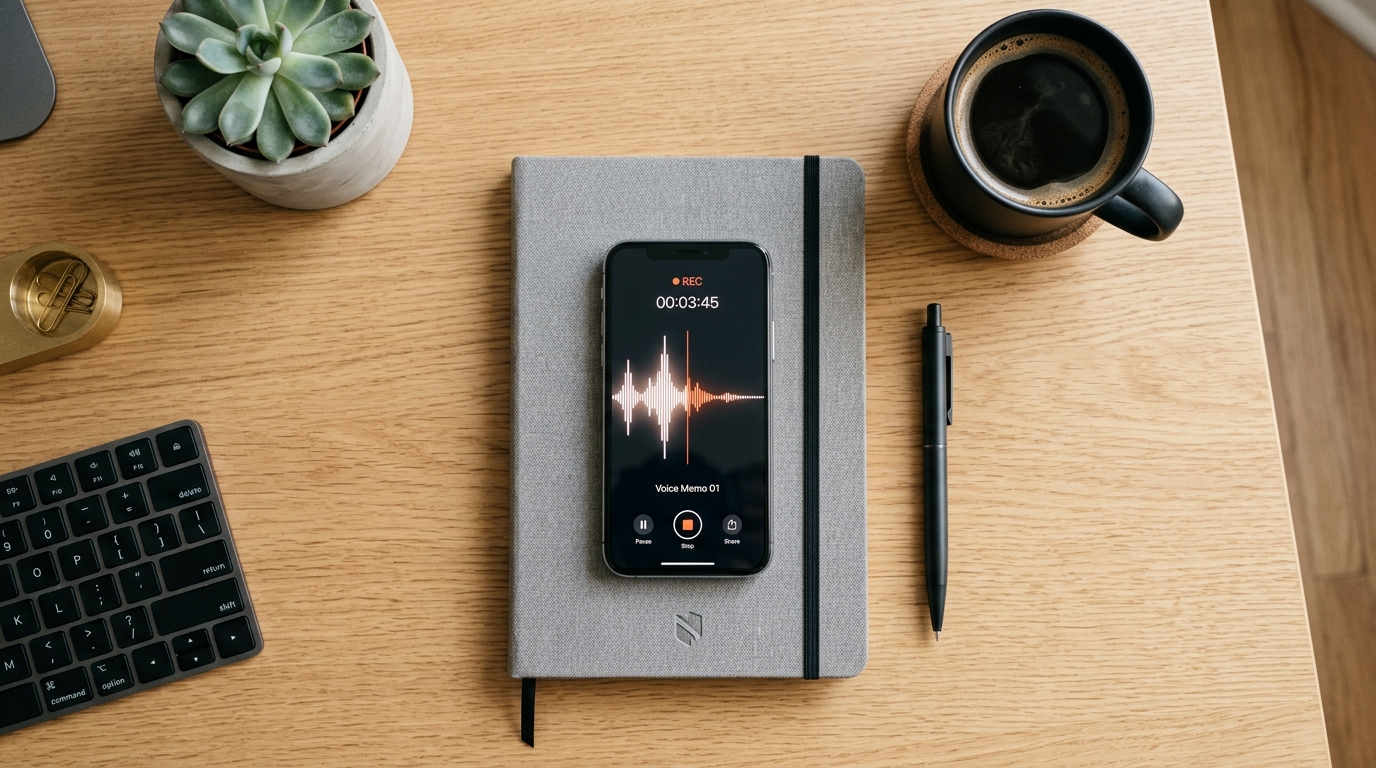
A few months ago, while testing a new voice transcription model on an iPhone 14 Pro, I had a realization about how our relationship with utility software has fundamentally shifted. As a product developer focused on artificial intelligence and voice technologies, I spend a lot of time analyzing how people interact with their devices in high-pressure situations. We are no longer looking for platforms with endless, bloated features. Instead, we are looking for secure, highly specific outcomes. Building a functional and secure mobile app portfolio requires prioritizing practical tools that solve distinct everyday problems—like audio capture, family location, and online activity awareness—without exposing your personal data to unnecessary risks.
At Frontguard, we operate as a mobile company dedicated to exactly this philosophy. Our everyday apps include specialized utilities built for real-world scenarios rather than flashy gimmicks. If you want to streamline your device's capabilities this year, you need a methodical approach to selecting your software. Below is a step-by-step guide on how to evaluate, choose, and deploy an effective utility app stack for your daily communication and family safety needs.
Step 1: Why does secure communication capture require a dedicated approach?
The first step in building a reliable mobile toolkit is addressing how you capture important information. Relying on handwritten notes or native, unoptimized voice memos often fails during critical professional calls or important personal conversations. You need a systematic way to record and transcribe dialogue accurately.
To set up an effective communication capture system, follow these actions:
- Evaluate your primary use case: Determine if you primarily need to record standard phone calls, VoIP meetings, or in-person voice memos.
- Assess the underlying technology: Look for tools utilizing local or highly secure cloud transcription models rather than unknown third-party processors.
- Standardize your hardware setup: Ensure your microphone permissions and storage capabilities are optimized, whether you are running an older device like an iPhone 11 or a newer flagship model.
Security is the most critical factor here. According to the World Economic Forum's Global Cybersecurity Outlook 2024, the percentage of organizations actively assessing the security of AI tools before deployment has nearly doubled, jumping from 37% to 64% in just one year. This massive shift underscores why you cannot trust sensitive conversation data to unverified applications.

This is precisely why we developed the AI Note Taker - Call Recorder. Instead of treating transcription as an afterthought, this tool is engineered to function securely as both a dedicated call recorder and a highly accurate note taker. By integrating advanced transcription models directly into the workflow, users can review accurate summaries of their calls without worrying about where their audio files are being routed.
Step 2: How do you establish reliable family location awareness?
The second phase of optimizing your mobile portfolio involves family safety. Location tracking has moved from a niche enterprise feature to a standard requirement for modern households. However, implementing it effectively requires balancing technical reliability with user privacy.
Here is the step-by-step process for configuring a family location system:
- Check network and hardware compatibility: Location accuracy depends heavily on network consistency. Ensure the devices in your family share a stable carrier connection—whether that is T-Mobile, AT&T, or another provider—and that their GPS modules are functioning correctly. Devices with larger batteries, such as the iPhone 14 Plus, are often better suited for continuous location sharing because they can handle the background processing without draining prematurely.
- Define access protocols: Have a clear conversation with family members about who has access to location data and under what circumstances. Transparency prevents the software from feeling intrusive.
- Select a purpose-built application: Avoid generic social media check-ins and opt for a dedicated tracking utility.
The Security Industry Association’s 2024 Megatrends report highlights an interesting shift that applies here: the traditional channel model is rapidly giving way to a customer-centric value chain. Software must deliver direct, frictionless value to the end user. When you deploy a tool like Find: Family Location Tracker, you are utilizing an app designed specifically around that customer-centric model. It provides precise GPS coordinates and historical movement logs, ensuring that you can find family members quickly during emergencies without dealing with unnecessary social features.
Step 3: What is the safest way to monitor online activity patterns?
After securing your communications and establishing location awareness, the third step is managing digital presence. For parents and guardians, understanding when family members are active on messaging platforms is a vital part of managing screen time and ensuring healthy digital habits.
To monitor online patterns effectively:
- Identify the primary platforms: Focus your attention on the messaging apps your family actually uses most frequently, such as WhatsApp or Telegram.
- Focus on metadata rather than content: Reading private messages is a massive breach of trust. Instead, track "last seen" statuses and general online intervals to understand sleep habits or excessive late-night screen time.
- Vet the vendor thoroughly: The IBM X-Force Threat Intelligence Index 2024 revealed that supply chain and third-party compromises have quadrupled over the past five years. Downloading a random, unverified tracking app from the store introduces severe vulnerabilities to your device.

To solve this specific requirement safely, Frontguard built When: WA Family Online Tracker. This utility allows users to analyze online durations and last-seen metrics specifically for family awareness. Because it is developed by a recognized corporate entity with clear privacy standards, it mitigates the massive third-party risks highlighted by recent cybersecurity indexes.
Step 4: How should you finalize and audit your mobile setup?
The final step in this process is consolidation. A bloated device is an insecure device. Once you have selected your core utilities, audit your device and remove redundant software. If you have four different voice memo apps and three outdated family trackers, delete the ones that no longer serve a distinct purpose.
When you rely on a focused portfolio—such as using an advanced note taker for professional calls, a dedicated GPS app for physical safety, and a reliable online status tool for digital awareness—you reduce your attack surface and improve your phone's battery and processing performance. My colleague Emre Yıldırım has previously highlighted that having clearer criteria for software selection always yields better results than simply installing a high quantity of apps.
By following these steps, you transition your smartphone from a cluttered repository of random downloads into a highly tuned, secure instrument that actively protects and serves your daily routines.