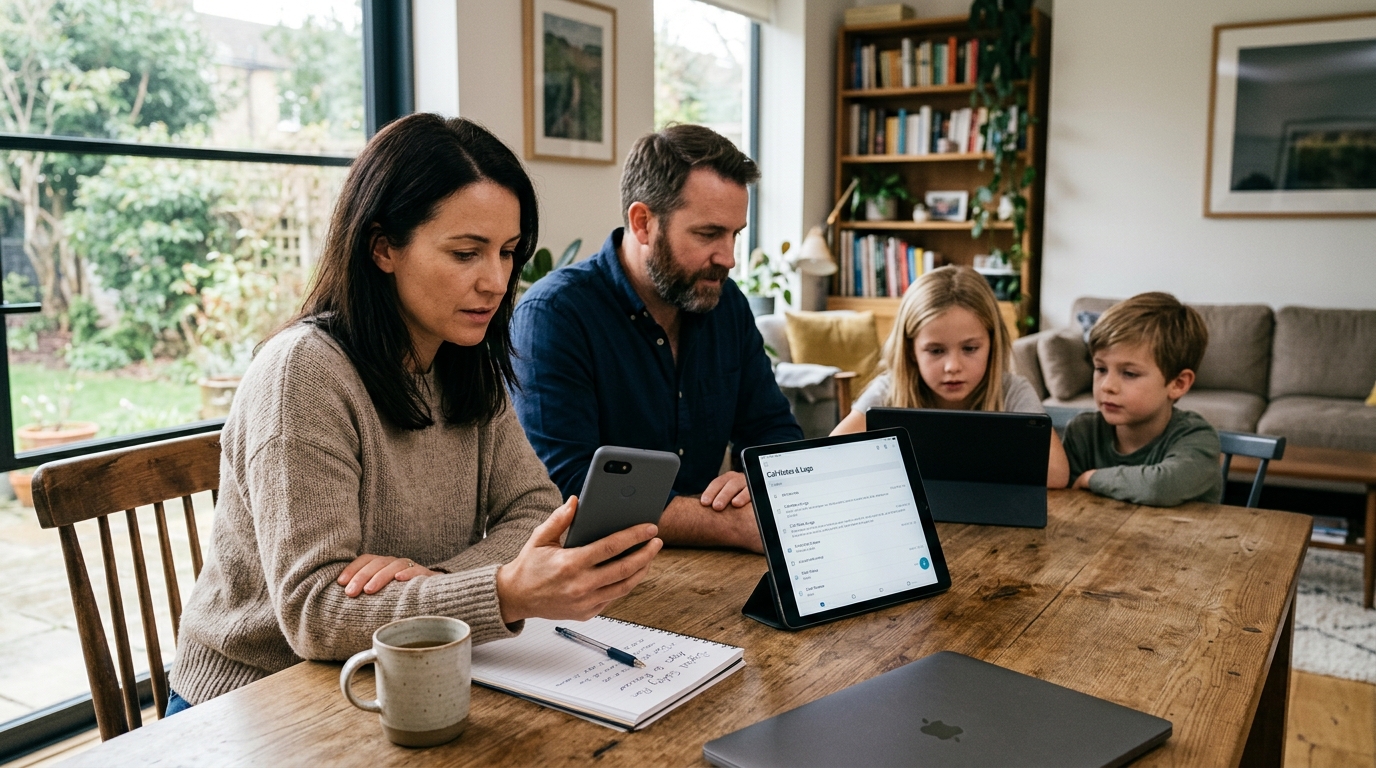
Most people are not suffering from a lack of apps; they are suffering from a lack of fit. If you are trying to choose between a location tracker, a call recorder, or a family online-status monitor, the right answer is not “install more” but “match the tool to the problem.”
A family safety app is a mobile tool that helps a household confirm whereabouts, communication details, or online activity patterns for a specific practical reason. In my experience building consumer mobile products, users make better decisions when they stop asking which app has the longest feature list and start asking which category solves their exact stress point with the least friction.
That distinction matters for any company working in this space, and it matters even more for families. At Frontguard, we work across several app categories, and one thing I have observed repeatedly is this: confusion between categories creates bad expectations. Someone installs a GPS tracker expecting communication history. Someone tries a note taker and expects live family location updates. Someone wants online-status visibility and ends up testing general-purpose messaging tools that were never built for that job.
If you want a useful decision rule, start here: prioritize the app category that answers the question you need resolved most often.
The real problem is category mismatch
Users usually arrive with one urgent need, but they describe it in broad language. They say “I want to find my child,” “I need a record of an important call,” or “I need to know whether someone was online at a certain time.” Those are not the same problem. They require different technical approaches, different permission models, and different expectations around accuracy.
I think this is where many review roundups get it wrong. They compare every family-related app as if they belong in one basket. They do not. A location tracker answers where a device is or was. A recorder answers what was said in a conversation or meeting. An online tracker helps reveal activity timing patterns in supported messaging environments. When users treat these as interchangeable, disappointment is almost guaranteed.

Start with the pain point, not the feature sheet
Here is the simplest framework I recommend.
- If your stress comes from uncertainty about physical whereabouts, look first at location-sharing and GPS categories.
- If your stress comes from forgetting details after conversations, look at recording and transcript-focused tools.
- If your concern is routine checking of messaging activity windows, look at status-monitoring tools built for that narrow use case.
This sounds obvious, but many users skip this step because app store listings often include overlapping claims. A single listing may mention safety, awareness, records, family coordination, and alerts all at once. That makes marketing sense, but it does not help the person who just wants one problem solved cleanly.
As a software engineer, I prefer category clarity over feature inflation. A narrower app that performs consistently is usually more useful than a broader app that promises everything and delivers uncertainty.
Location tracking: useful, but only when the question is truly about location
Family location tools are often the most emotionally charged category because they sit close to safety. Parents want to know whether a child arrived at school. Adult children may want to check whether an older family member made it home. Couples sometimes use location sharing for convenience, such as coordinating pickups or travel timing.
But users should be careful not to expect too much from location products. A location app can tell you where a phone appears to be based on available signals. It cannot explain context by itself. A dot on a map does not tell you why someone stopped, whether a battery is low, or whether the device was left behind.
That is why I advise users to prioritize these factors:
- Update reliability: Does the location refresh in a way that feels credible for your use case?
- Battery impact: A tracker that drains a phone aggressively often gets disabled.
- Alert logic: Arrival and departure notifications should be useful, not noisy.
- Household simplicity: If setup is confusing, family adoption falls apart fast.
For users whose main need is location awareness, a specialized option such as a family location tracker built around GPS-based coordination makes more sense than trying to force a communication app into that role.
It is also worth saying who this category is not for. If your real problem is documenting conversations, location data will not help much. If your real problem is understanding online patterns in messaging apps, a map view is simply the wrong interface.
Communication capture is a different category entirely
There is a practical reason people search for a recorder: memory is unreliable, and important details get lost. That is especially true during work calls, service conversations, verbal instructions, interviews, or high-stakes personal discussions. People do not necessarily want to archive everything. Often, they just want a trustworthy record and a way to turn speech into something readable.
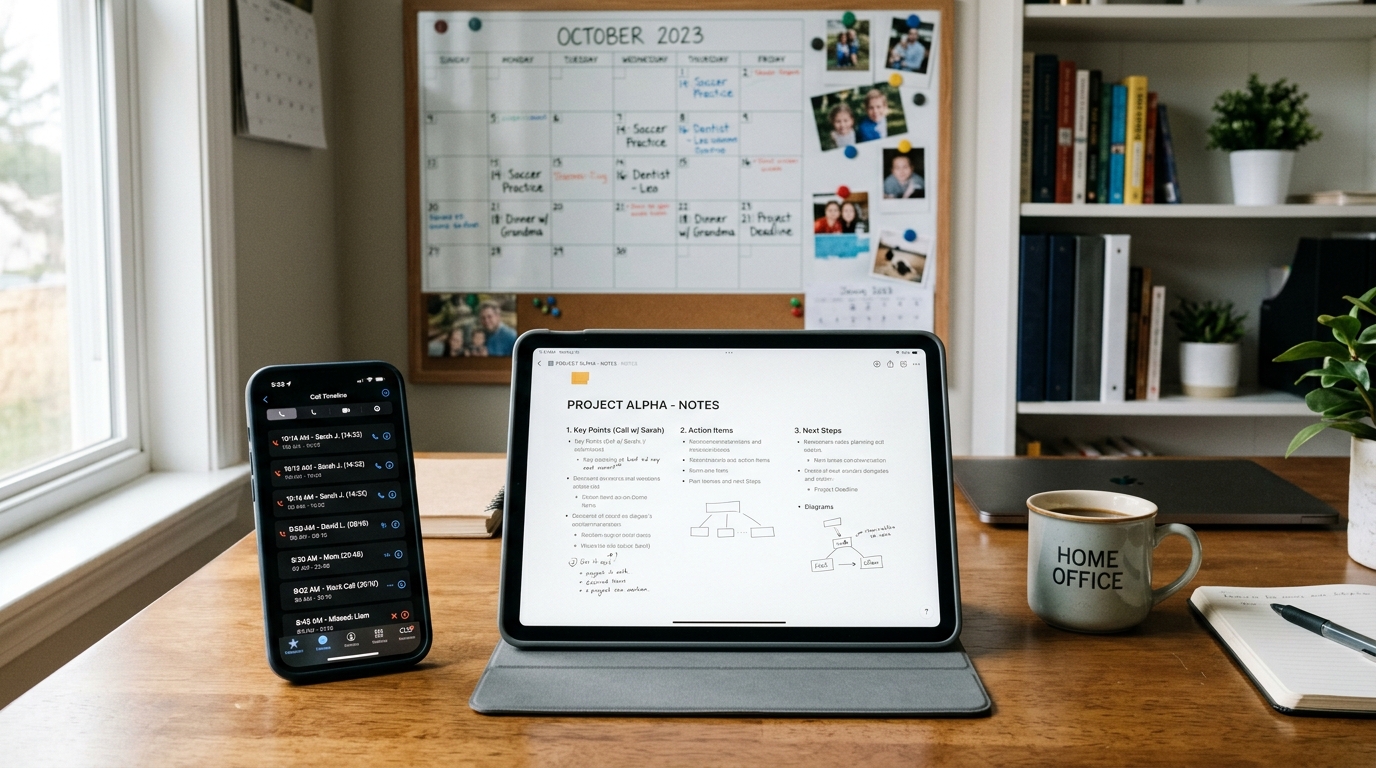
This category becomes even more relevant on a busy phone. Users jump between meetings, follow-ups, family logistics, and support calls. By the end of the day, they remember fragments rather than specifics. That is where a recorder paired with transcription and summary features can reduce friction.
I would evaluate communication-capture tools on a different set of criteria:
- How easy is it to start and retrieve recordings?
- Can the app produce usable transcripts or summaries?
- Is the interface fast enough in real-world use, not just demos?
- Does it help you organize notes after the conversation ends?
For users comparing this category, a call recorder and AI note taker workflow is relevant when the true need is preserving spoken information, not tracking movement.
One practical scenario I think about often is a parent coordinating school transport changes, medical instructions, and family scheduling over several calls in one afternoon. In that case, the value is not surveillance. The value is being able to review what was actually said.
Online-status tracking solves a narrower, but very real, problem
This category is often misunderstood because users describe the need vaguely: “I want to know when someone was active.” That can mean many things. In practice, what they usually want is pattern visibility. They are trying to confirm whether a family member was online during certain windows, compare reported availability with actual activity timing, or understand routine digital behavior.
Unlike broad family apps, online-status tools are specialized. They should be judged on narrow usefulness, not on whether they also pretend to replace location sharing or communication records.
If your concern is messaging activity timing on supported platforms, a focused tool such as a family online-status tracker for WhatsApp and Telegram patterns is more aligned than a general family dashboard. The question is not “Can this app do everything?” It is “Can it answer this one recurring question with enough clarity to be useful?”
What users with newer and older phones should keep in mind
Device expectations also shape category choice. Someone using an iPhone 14 or iPhone 14 Pro may expect smoother background behavior, cleaner permission prompts, and stronger overall performance than someone still on an iPhone 11. Users on an iPhone 14 Plus may also care more about screen space for reading transcripts, map detail, or activity logs.
But here is my slightly contrarian view: newer hardware does not fix category confusion. A premium device cannot turn a location app into a better meeting note system, and it cannot turn a recorder into a family arrival monitor. Hardware affects comfort and speed; it does not change the underlying job the software is meant to do.
The same goes for carrier-related assumptions. People sometimes search with terms like T-Mobile when they are troubleshooting network behavior, but carrier quality and app category are separate questions. Connectivity can influence timeliness, especially for live updates, yet it still does not change what kind of app you should choose in the first place.
A quick comparison users rarely get from app roundups
| Need | Best-fit category | Common mistake |
|---|---|---|
| Know where a family member’s phone is | Location tracking | Installing a communication tool and expecting map accuracy |
| Remember what was said on a phone conversation | Call recording and transcription | Using generic notes apps after the fact |
| Check messaging activity timing patterns | Online-status monitoring | Expecting location apps to explain app usage windows |
That table may look simple, but it reflects a bigger point: software categories should be chosen by primary outcome, not by the broad emotional label attached to them.
Questions I hear often
“Should I choose an all-in-one app?”
Usually only if the core function you need is still strong. I would not sacrifice reliability just to reduce the number of installs.
“What if my needs overlap?”
That is common. Start with the category tied to your highest-cost failure. If forgetting call details creates bigger problems than not seeing live location, solve communication capture first.
“Are family safety and family monitoring the same thing?”
No. Safety usually focuses on coordination, emergency awareness, and reassurance. Monitoring is broader and can involve behavior patterns, history, or verification. Users should be honest about which one they are actually seeking.
My view: users should prioritize trustworthiness over breadth
If I had to take a firm position, it would be this: the best app in these categories is usually not the one with the most features. It is the one that answers a recurring household question consistently, with minimal confusion and minimal setup friction.
That is the standard I use when thinking about app design. A family tool should reduce uncertainty, not create a second layer of interpretation. A recording product should help people recover details they would otherwise lose. A status tracker should present timing patterns clearly enough to support reasonable decisions, not guesswork.
This perspective also fits how Frontguard approaches category building. Rather than pretending one product should cover every scenario, the stronger model is to respect the differences between use cases and build around them.
My advice is simple. Before you install anything, finish this sentence honestly: “The thing I need to know most often is…” If the answer is where, choose location. If the answer is what was said, choose recording and transcription. If the answer is when someone was active, choose status tracking. That one decision will save most users more time than any feature comparison chart.